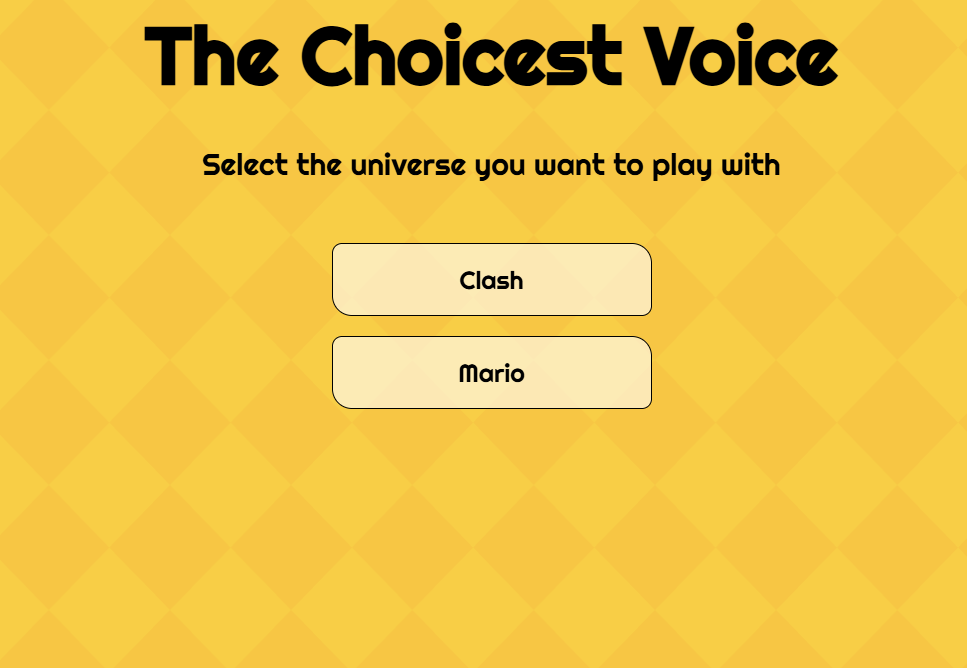
Play The Choicer Voicer Online (Free & No Download)
Grab your mic and start dubbing! Play the full browser version of
The Choicer Voicer below for free. No installations—just choose a
voice pack, listen closely, and hit record.
The Choicer Voicer turns a voice into the controller
The Choicer Voicer is a voice-impression party game. A reference clip
plays, you recreate its pitch, rhythm, and attitude into a microphone,
and the active judges react to the result. The joke is never only
whether you sound perfect; it is the gap between the line you intended
and the performance everyone hears.
The studio becomes more interesting as you add content. Voice packs
supply the clips, while hosts, judges, and presentation choices give the
same prompt a different mood.
How To Play The Choicer Voicer
Start with a pack, listen to the reference twice, then perform the line
without trying to force your voice into an unsafe register. Pay
attention to the start cue, pauses, and emotional direction before you
press record.
1. Load content. Choose a built-in or compatible community
voice pack.
2. Hear the target. Notice pitch movement, timing, texture,
and feeling.
3. Commit to a read. A clear choice usually works better
than a quiet half-impression.
4. Review the result. Use the score or replay to decide
what to change next.
My First Hour Was Spent Building a Folder, Not Playing
The first surprise is that the game feels like a studio waiting for
material. A small folder of familiar clips is enough to test the loop,
but it can disappear quickly if every line comes from the same character
or mood. Start with material you already know so you can focus on
delivery instead of memorizing words.
A larger pack feels less repetitive when it mixes short prompts with
longer scenes. Organizing by character, mood, or group makes the next
choice faster.
The Studio Surprised Me More Than I Expected
The studio frames a tiny performance like a game show: a host introduces
the moment, the reference plays, and the judge panel responds after your
take. Solo play is useful for checking a pack, but a group adds an
immediate audience and makes every unexpected choice memorable.
Treat the setup as part of the game. A different host or judge can
change the energy without changing the clip itself.
Choose Your Way To Play
Single Mode
Practice a line on your own and learn what makes a voice impression readable.
Local Multiplayer
Share one screen with 2–6 players and let every performer own a role.
Dub Mode
Record a longer scene when you want timing practice instead of a short score.
Twitch Chat Mode
Give viewers a way to vote, react, or contribute to the performance.
Getting My Microphone and Controls Sorted
Before a group arrives, check that the intended input is selected, the
browser has microphone permission, and your voice reaches the meter
without clipping. Headphones help keep the reference clip out of the
recording.
✅ Use a quiet room and keep unused microphones muted.
✅ Test a short line after changing headsets or audio devices.
✅ Prefer a standard stereo route when a surround setup causes
dropouts.
Swapping Hosts Instead of Swapping Clips
When a familiar pack starts to feel predictable, change the presentation
before throwing it away. A dry host, an excitable host, or a sharper
judge panel can make the same line land differently. This is a
low-effort way to refresh a session while keeping its best clips.
Dub Mode Was a Different Kind of Session
Dub Mode stretches the idea into a longer voiceover pass. Instead of
chasing a quick judged prompt, you match a scene continuously. Run a
short test first: long takes expose microphone and video-sync issues
that a short round may hide.
Build Your Own Voice Packs
A good first pack does not need to be huge. Choose clear clips, record
them at a consistent volume, and label them so another player
understands the intended voice or mood. Familiar lines make practice
easier; varied lines keep a party session alive.
A useful starter pack
Mix short and long lines, include more than one emotion, and test
each file at a normal speaking volume.
Keep it playable
Remove near-duplicates and add enough variation that players do not
hear one transition line every round.
Running a Round for My Own Chat
Twitch Chat Mode works best when viewers know what they can do before
the first prompt appears. Explain the voting or contribution commands,
choose a pack that suits the audience, and favor bold, readable
performances that survive a fast-moving chat.
A short test round also helps reveal whether chat understands the
timing. Clear instructions create better participation than asking
viewers to guess.
Tips For Better Voice Impressions
Listen once for the words and again for the shape of the voice. Hum the
rise and fall before adding the line, mark the important pauses, and
decide on one emotion. Do not strain to copy an impossible pitch;
matching the contour and commitment is more useful.
✨ Match pitch movement, not just a high or low starting note.
✨ Copy pauses and speed changes instead of smoothing them away.
✨ Make the emotional choice clear enough for a room to recognize.
✨ Review whether pitch, timing, or clarity was the weakest part.
Microphone and Browser Troubleshooting
If no recording appears, check browser permission, the selected input,
system volume, and whether another app is using the microphone. Standard
stereo output is usually easier to diagnose than a virtual or
multi-channel route.
For a black or silent game frame, wait briefly, refresh once, and check
whether privacy extensions block third-party scripts or storage. Use the Mic Fixes guide for a longer checklist.
The Mic Bug That Almost Made Me Give Up
Surround-sound and virtual audio configurations can make a recording
stop mid-round even when the microphone looks selected. Reproduce the
problem with a very short clip, then switch temporarily to a basic
stereo route. If the dropout disappears, simplify the audio path before
changing the game settings.
Frequently Asked Questions
Is The Choicer Voicer free to play?
This page provides a free browser entry point. Community
downloadable editions and their content may follow different terms.
Can I play alone?
Yes. Solo rounds are useful for learning a pack and checking your
microphone before inviting other players.
How many people can play locally?
The local multiplayer tool is designed for 2–6 players sharing one
computer.