Blob Opera
Play Blob Opera online and create surprising harmonies by dragging four animated singers, changing pitch, and switching vocal textures.
What to expect
A playful music experiment where four blobs become a tiny responsive choir.
About Blob Opera
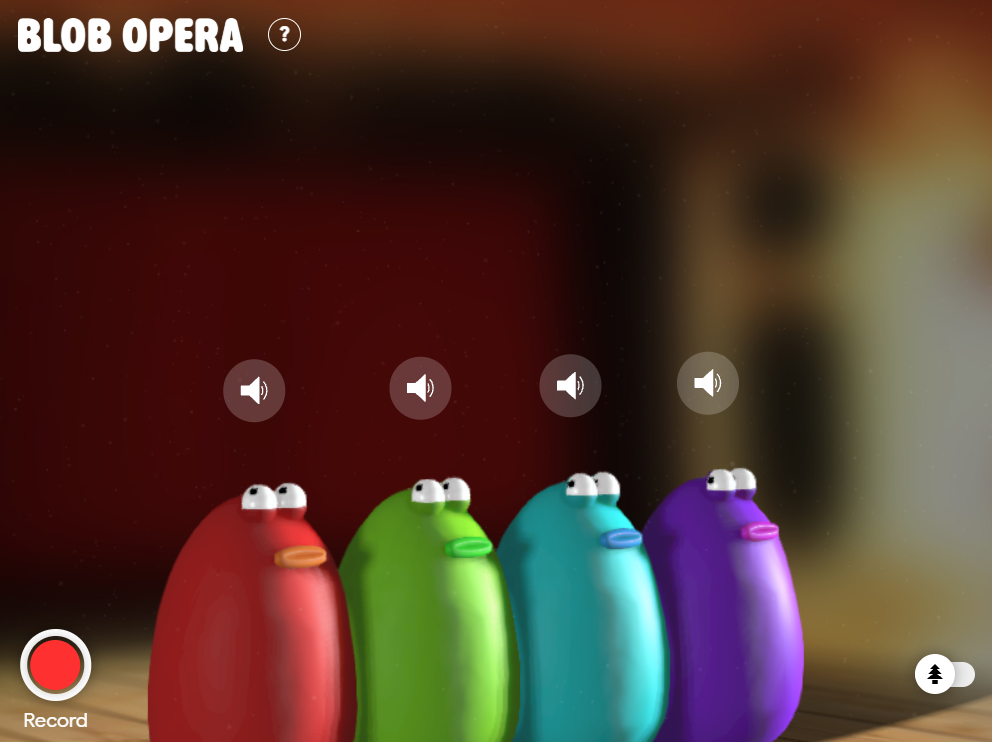
Blob Opera turns four soft, animated singers into a small musical playground. Each blob represents a different vocal range, and dragging one vertically changes its pitch. You do not need to read sheet music to begin. Move a blob, listen to the response, and let the group reveal how the voices fit together.
The appeal is immediate because every gesture produces sound. It feels like a toy at first, but the four ranges create enough space for chords, melodies, and strange little experiments.
How to Play Blob Opera
Start by moving one blob while leaving the other three steady. Find a note that feels comfortable, then adjust the next voice until the pair sounds stable. Continue upward or downward through the ranges rather than dragging every blob randomly at once.
Clicking a blob changes its vocal texture, so the same pitch can feel open, rounded, or more muted. Use that control after the chord is stable. It is easier to understand what changed when you alter one voice at a time.
How the Four Voices Work in Blob Opera
The quartet is divided into soprano, mezzo-soprano, tenor, and bass roles. The higher voices give a chord its lift, while the lower voices provide weight and direction. Their ranges are different on purpose, so copying the exact movement of one blob onto another may produce an unbalanced result.
A reliable approach is to build from the bottom up. Give the bass a steady anchor, add a middle voice, and then use the upper voices for motion. Once the harmony feels settled, move one singer slowly to create a rising or falling phrase.
Features of Blob Opera Game
- Four animated voices with distinct ranges.
- Continuous pitch movement instead of fixed note buttons.
- Switchable open-vowel and humming textures.
- Immediate sound feedback for every drag.
- A low-pressure format suited to quick experiments.
What Blob Opera Doesn’t Do
Blob Opera is not a traditional song editor, a lesson in formal music theory, or a full recording studio. It gives you a responsive set of voices, but it does not ask you to arrange a long timeline or export a polished composition. The fun comes from live manipulation and the surprising harmony that appears in the moment.
That limitation is useful. You can start making sound without learning a menu system, and you can stop after a minute without leaving an unfinished project behind.
FAQs
Can I record and share what I make in Blob Opera?
The experience is designed for live exploration. If you want to save a performance, use your device’s permitted screen or audio recording tools rather than expecting a built-in project editor.
Do the blobs sing actual words?
The voices use vocal sounds and textures rather than a lyric-writing system. Treat the experience as a choir instrument, not a karaoke player.
Why does a chord sound muddy?
Moving all four voices together can crowd the harmony. Hold three voices steady, adjust one range at a time, and leave space between neighboring pitches.
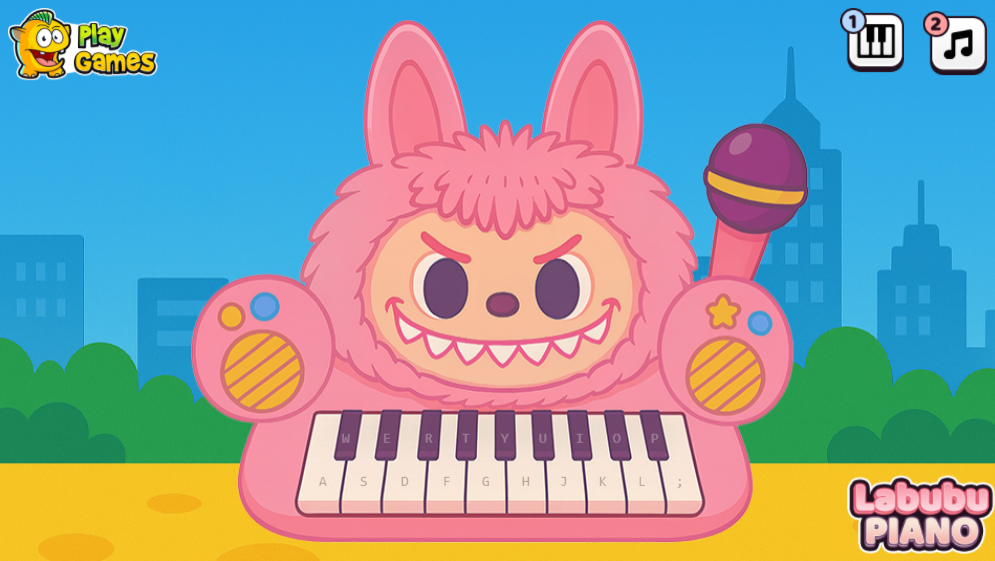
If you prefer tapping to dragging, try Labubu Piano for a more timing-focused music session.